Registering for an event
To register for an event using the Alumni & Student Area, you need to follow the steps below:
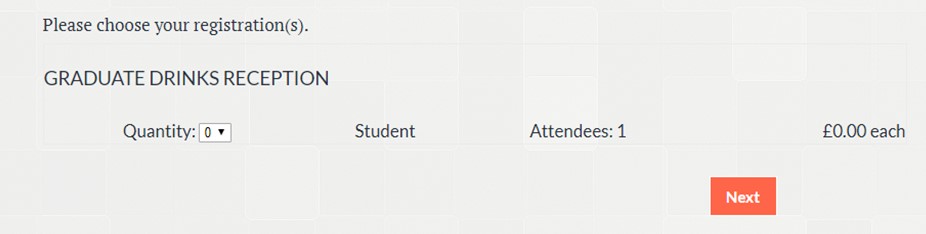
- Select the quantity of tickets you require for the event, click next.
- Select who is registering for the event, is it "Myself" or a "New Individual"? You may be asked to fill out further information such as dietary requirements. Click Register
- Fill out your personal information and press checkout.
You should then receive a booking confirmation email with the details below.
Are you unable to view registration options below? Please email alumni@law.ox.ac.uk to be registered manually.